


Download HelloTalk – Learn Languages, Make Friends, Practice with Native Speakers
Overview
Designed for language enthusiasts seeking authentic conversation practice, HelloTalk serves as a global platform connecting learners with native speakers across the world. Its core purpose is to facilitate real-time language exchange through text, voice, and video interactions. By enabling users to communicate in their target language while helping others learn their native tongue, HelloTalk fosters mutual growth in linguistic proficiency.
The software targets individuals committed to practical language acquisition—students, travelers, professionals, and hobbyists alike—who value immersion over structured lessons. While the developer did not provide additional background, the app has gained recognition for its social learning model. Real-world usage includes daily conversations with language partners, practicing pronunciation via voice messages, and receiving immediate feedback on written exchanges.
Unlike traditional language learning tools, HelloTalk emphasizes interaction over curriculum, making it ideal for users who thrive on authentic communication. The platform supports both one-on-one and group chats, allowing for diverse conversational experiences. Despite its strengths, users have reported occasional technical issues, including dropped calls and delayed notifications.
The developer continues to address these concerns through ongoing updates. HelloTalk is currently available only on mobile platforms, with no desktop version released as of the latest information.
Key Features & Capabilities
- Language Exchange Network: Connects users with native speakers worldwide based on shared language goals and interests. This enables real-time, peer-to-peer practice in authentic contexts.
- Real-Time Text Correction: Allows conversation partners to correct grammar, spelling, and word choice directly within the chat interface, promoting immediate learning and improvement.
- Integrated Translator & Dictionary: Provides instant translation and vocabulary lookup during conversations, reducing barriers for users encountering unfamiliar words or phrases.
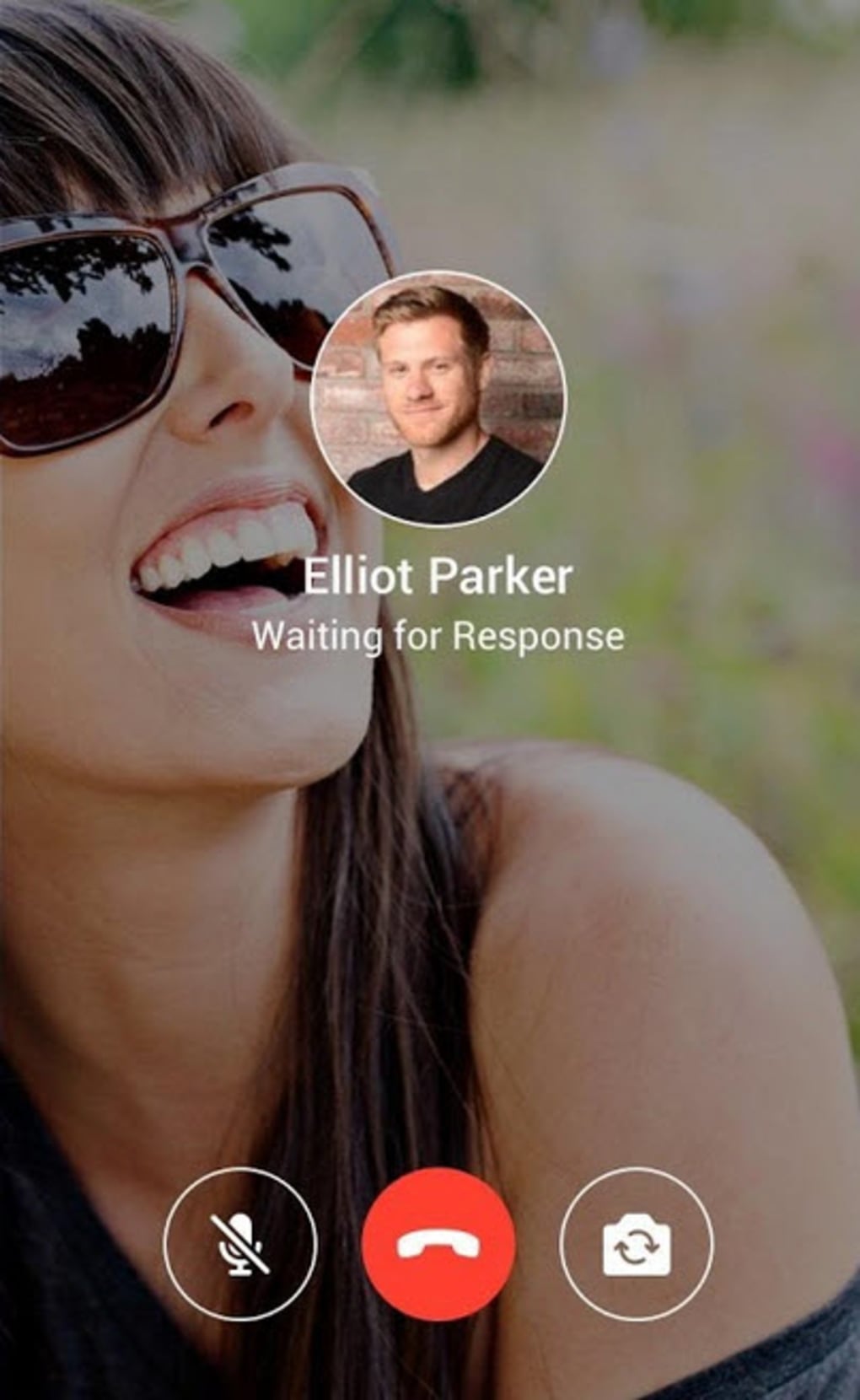
- Audio and Video Communication: Supports voice messages, voice calls, and video calls to enhance speaking practice and pronunciation development.
- Interest-Based Matching: Uses a search engine to surface relevant language partners based on shared hobbies, cultural interests, and language learning levels.
- Offline Messaging: Messages can be sent and received even when offline, with delivery confirmed upon reconnection.
These features collectively support a dynamic, interactive learning environment. For example, a Spanish learner can chat with a native speaker in Mexico, receive corrections on their sentences, and use the built-in translator to understand complex responses. Similarly, a Japanese speaker can practice writing in English while helping a learner improve their grammar. The combination of social engagement and practical tools makes HelloTalk effective for users focused on conversational fluency rather than formal instruction.
User Interface, Workflow & Performance
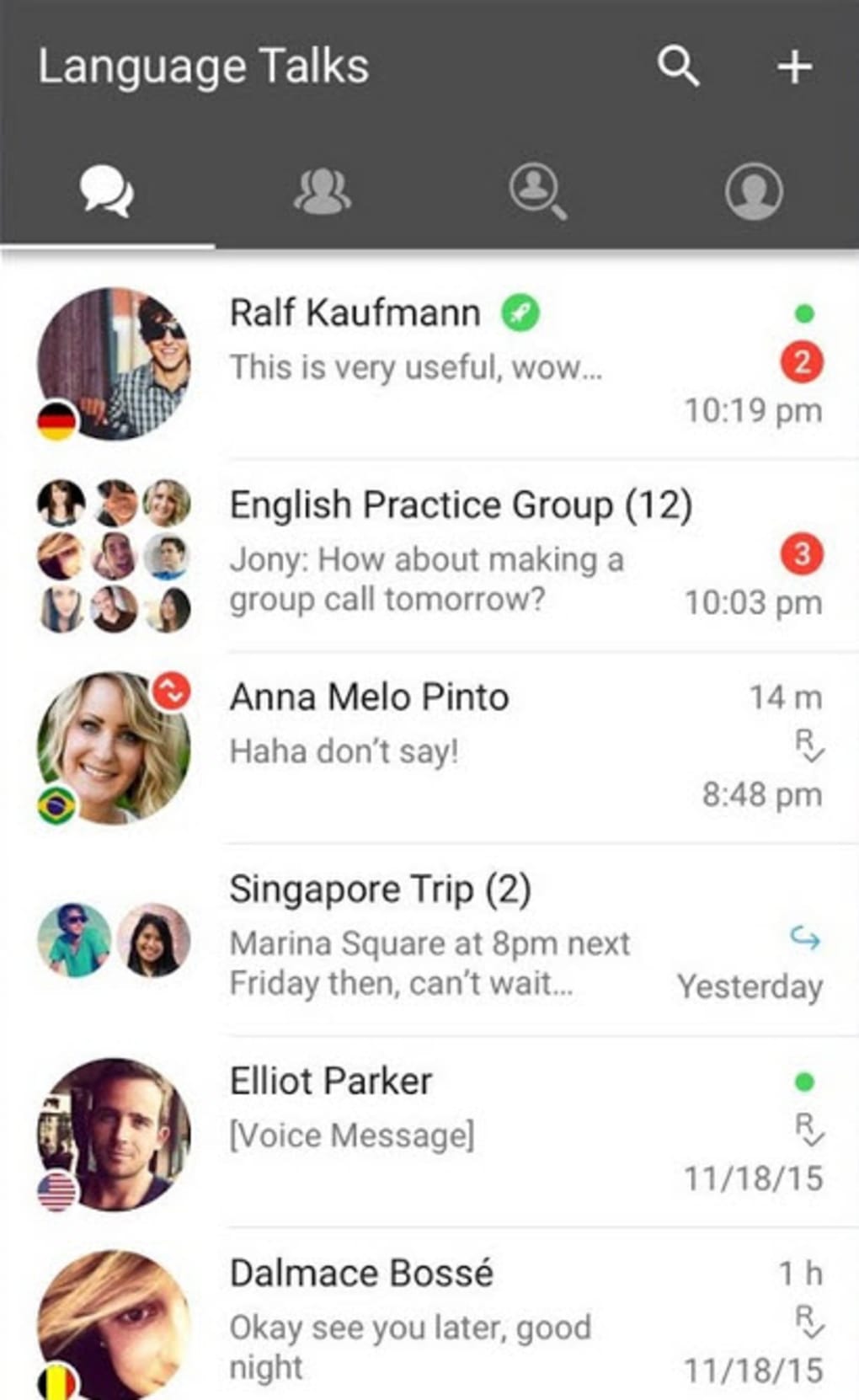
The user interface is designed for intuitive navigation, with a clean layout that prioritizes chat visibility and quick access to core functions. The main screen displays ongoing conversations, while dedicated tabs manage language partners, settings, and learning tools. Users can easily switch between text, voice, and video modes, with minimal steps required to initiate a call or send a message.
The workflow supports a natural progression from finding a partner to engaging in conversation, with built-in prompts guiding new users through setup. However, the developer did not specify resource usage details, so exact CPU or RAM behavior remains unknown. Performance observations are based on general software behavior patterns.
Users have reported occasional disruptions, including dropped calls and delayed notifications, which may affect workflow continuity. Stability appears to vary depending on network conditions and device performance. While the app generally maintains responsiveness during active use, some users note lag during high-traffic periods.
The lack of a desktop version limits multitasking and extended session use. Overall, the interface is user-friendly, but performance consistency remains a challenge in certain environments.
Compatibility & System Requirements
HelloTalk is available on iOS and Android operating systems. The developer did not specify exact system requirements, including minimum processor speed, RAM, or storage needs. Installation size information was not provided.
Compatibility with Windows or Mac is not supported, as the software is not available as a desktop application. Users seeking a PC-based experience cannot install HelloTalk on their desktops. The platform relies on mobile device capabilities for features such as camera access, microphone input, and push notifications.
Therefore, full functionality is restricted to smartphones and tablets. The absence of a desktop version limits accessibility for users who prefer larger screens or multitasking workflows. Platform compatibility information is limited to mobile platforms only.
Pros and Cons
Pros
- Free to download and use with core language exchange features
- Real-time corrections from native speakers enhance learning efficiency
- Supports multiple communication methods: text, voice, and video
- Interest-based matching increases relevance and engagement
- Integrated translator and dictionary reduce language barriers
- Encourages mutual learning through reciprocal language exchange
Cons
- No desktop application available for Windows or Mac
- Occasional technical issues such as dropped calls and delayed notifications
- Lacks structured lessons or formal grammar instruction
- Dependence on partner availability may limit practice frequency
- Performance may vary based on internet connection and device quality
- Privacy and data sharing concerns with unknown partners
FAQ Section
Is HelloTalk available for desktop computers?
HelloTalk is not available as a desktop application. It is currently only accessible on iOS and Android devices.
Can I use HelloTalk without an internet connection?
Basic messaging can be sent offline, but real-time features like voice calls, video calls, and live corrections require an active internet connection.
Is HelloTalk safe to use?
The app includes safety features such as user verification and content moderation. However, users should exercise caution when sharing personal information with strangers.
Does HelloTalk offer a free version?
Yes, HelloTalk offers a free version with access to core language exchange features. Premium upgrades unlock additional tools and remove ads.
Can I use HelloTalk to learn grammar and vocabulary?
While HelloTalk facilitates practical language use through conversation, it does not provide a structured curriculum. Users must learn grammar and vocabulary independently through dialogue and external resources.
Final Thoughts + CTA
For language learners seeking authentic, real-world practice, HelloTalk delivers a powerful social learning experience. Its unique model of peer-to-peer language exchange, combined with real-time corrections and integrated tools, makes it a standout choice among language apps. While the absence of a desktop version and occasional technical hiccups are notable drawbacks, the app’s strengths in connection, engagement, and practical application outweigh these limitations for many users.
It is particularly well-suited for those who learn best through conversation and are comfortable navigating a social platform. The free access ensures low risk and high reward. Download HelloTalk now to start speaking with native speakers and accelerate your language journey.





.png)

